
Step-by-Step Guide to Security Camera System Installation and Support
Understanding Your Needs
Installing a security camera system begins with identifying your specific needs. Determine the areas you want to monitor, whether it's your home's entry points, backyard, or a business's main floor. Consider factors like lighting conditions and weather exposure, which can influence camera choice. Understanding your requirements will guide you in selecting the right equipment.
Choosing the Right Equipment
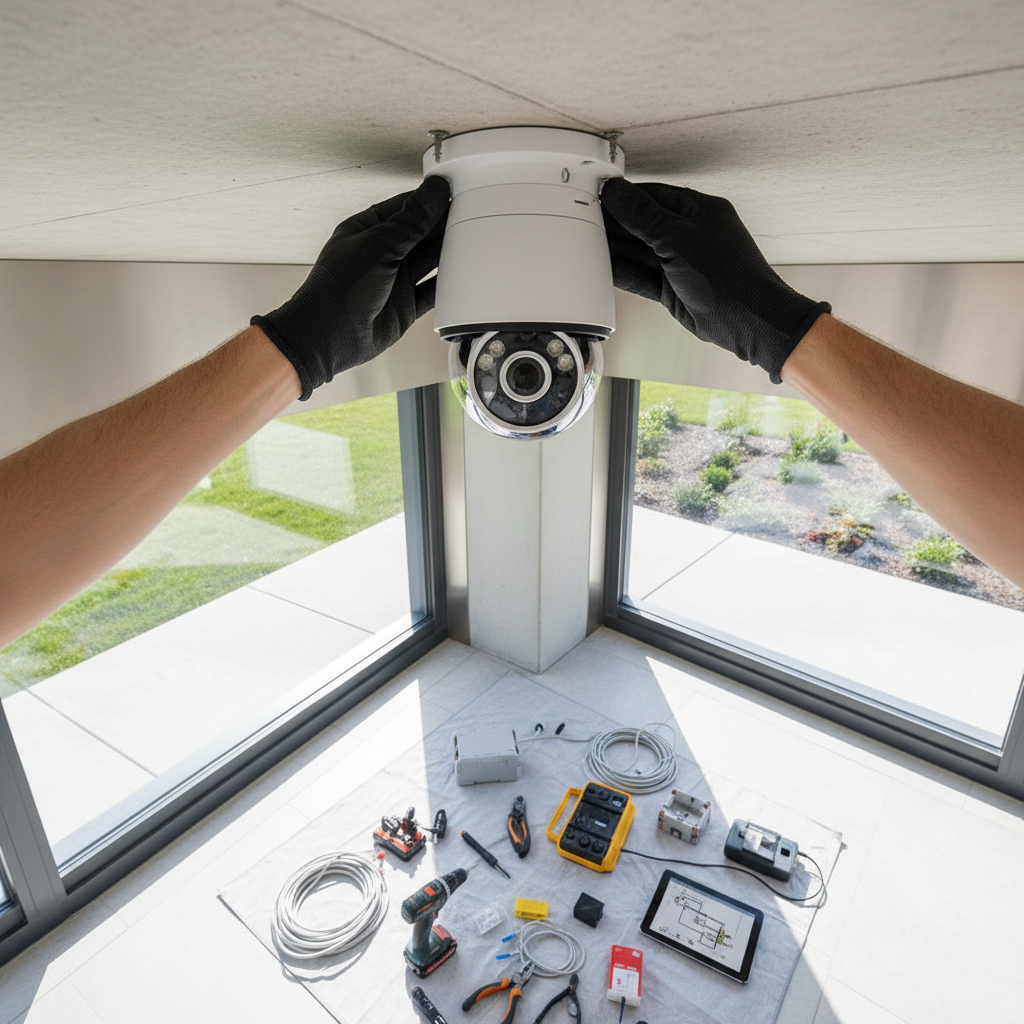
Once you've assessed your needs, it's time to choose the appropriate equipment. There are various types of cameras, such as dome, bullet, and PTZ (pan-tilt-zoom) cameras. Each type has its own strengths. For instance, dome cameras are ideal for indoor use due to their discreet appearance, while bullet cameras are better suited for outdoor areas. Ensure the system you select includes a reliable digital video recorder (DVR) or network video recorder (NVR) for storage.
Planning the Installation
Before installation, create a detailed plan. Map out the locations where each camera will be installed. Ensure that each camera has a clear view of the intended area without obstructions. Consider the wiring paths and the distance from power outlets. This planning phase is crucial for a smooth installation process.
Installation Process
With a plan in place, begin the installation by mounting the cameras in their designated locations. Use appropriate tools and mounts to secure them safely. If the cameras are wireless, ensure they are within range of your network. For wired systems, carefully run the cables through walls or ceilings to maintain a clean setup. Connect each camera to the DVR or NVR, and configure the system settings.
Testing and Configuration
After installation, it's important to test the system. Check each camera feed to ensure it's capturing the intended area clearly. Adjust angles and settings as necessary. Configure the system for motion detection, alerts, and remote viewing to enhance functionality. This step ensures that your security system is fully operational and meets your expectations.
Ongoing Support and Maintenance
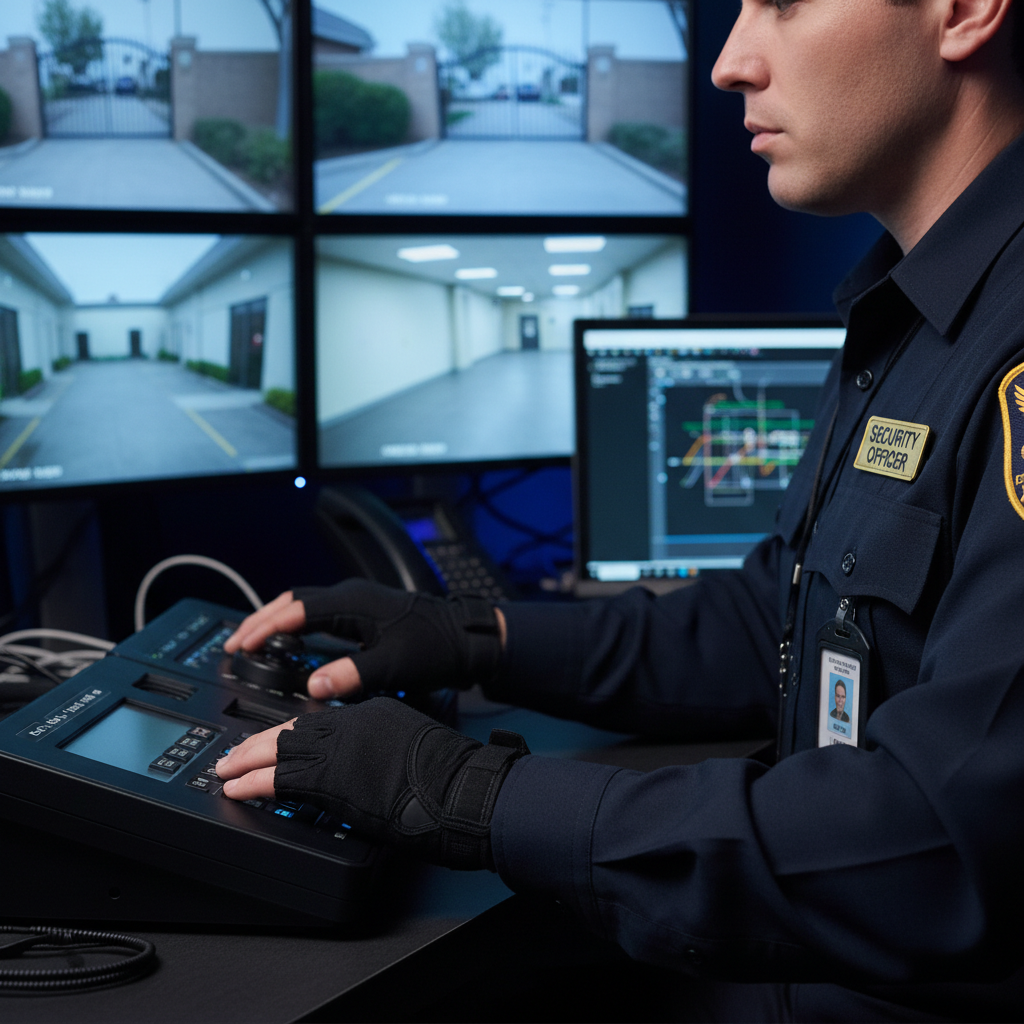
Maintaining your security camera system is vital for its longevity and effectiveness. Regularly clean the camera lenses and check for any physical damages. Update the software and firmware to protect against vulnerabilities. Schedule periodic checks to ensure everything is functioning correctly. This ongoing support will help prevent potential issues and maintain optimal performance.
Professional Assistance
If at any point you feel overwhelmed, don't hesitate to seek professional assistance. Hiring an expert can ensure that your system is installed correctly and efficiently. Professionals can provide valuable insights and support, making the entire process seamless. This investment can save you time and offer peace of mind.
In conclusion, a well-planned and maintained security camera system is an invaluable asset for protecting your property. By following these steps, you can ensure a successful installation and ongoing support to keep your premises secure.